> For the complete documentation index, see [llms.txt](https://about.jojo.exchange/jojo-1/llms.txt). Markdown versions of documentation pages are available by appending `.md` to page URLs; this page is available as [Markdown](https://about.jojo.exchange/jojo-1/v1-product-guides/faqs/how-to-set-email-notifications.md).
# How to Set Email Notifications
**Step 1:** Click **\[Main Account]** button in the upper right corner and select **\[User Center].**
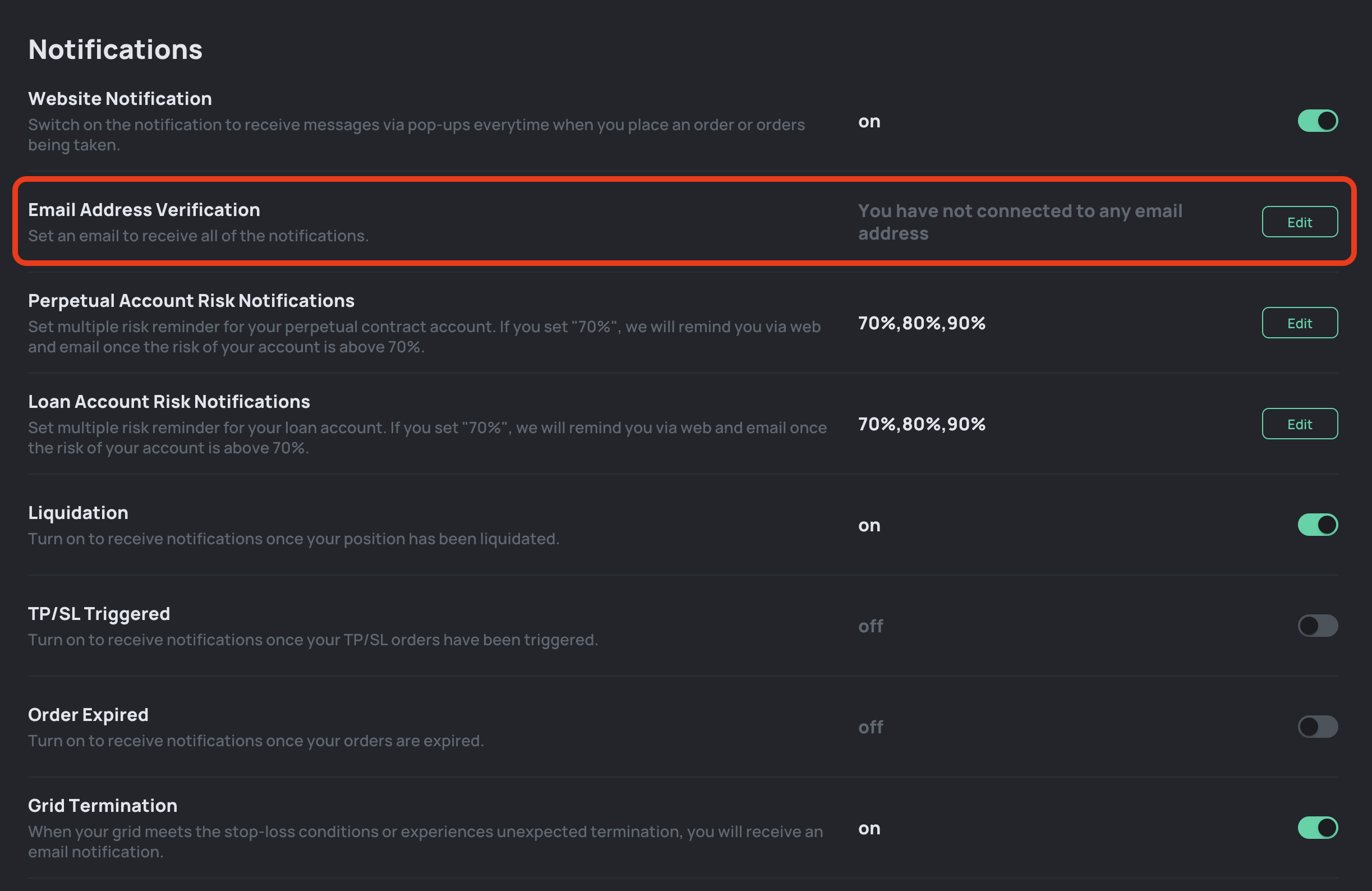
**Step 2:** Click **\[Edit]** and enter your email address to get verified.
**Step 3:** You will receive a verification email and need to click **\[Verify]** button in the email.
**Step 4:** After verified your email, you will be redirected to JOJO and get a successful email verficiation pop up.